




 English
  Tiếng Việt
During long trips, bringing a convenient and safe travel adapter not only helps you charge electronic devices but also protects them from unwanted incidents. However, to use the travel adapter safely and effectively, you need to know how to install, check, and optimize its use. This article will guide you in detail on how to use a travel adapter safely, optimize charging signals, and troubleshoot common errors.

 One of the important factors when using a travel adapter is checking the voltage level. Each country has different standard voltage levels (e.g., 110V in the USA and 220V in European and Asian countries). Ensure that your adapter supports the correct voltage of the country you are visiting to avoid damaging electronic devices.


1. How to Install and Check the Adapter Before Use
To ensure the travel adapter operates stably and safely, installation and checking before use are extremely important. Here are the steps to follow:Choose a Suitable Installation Location
Select a stable, dry place to install the adapter. Avoid areas with high humidity or near water sources, as this can increase the risk of electrical short circuits and affect the adapter's lifespan. Additionally, make sure the adapter is placed on a flat surface to avoid tilting or falling.Check the Plug and Power Cord
Before plugging the adapter into a power source, you need to check the condition of the plug and power cord. Make sure they are not damaged, cracked, or worn. If there are any unusual signs, you should replace them to avoid electrical risks.Check the Voltage
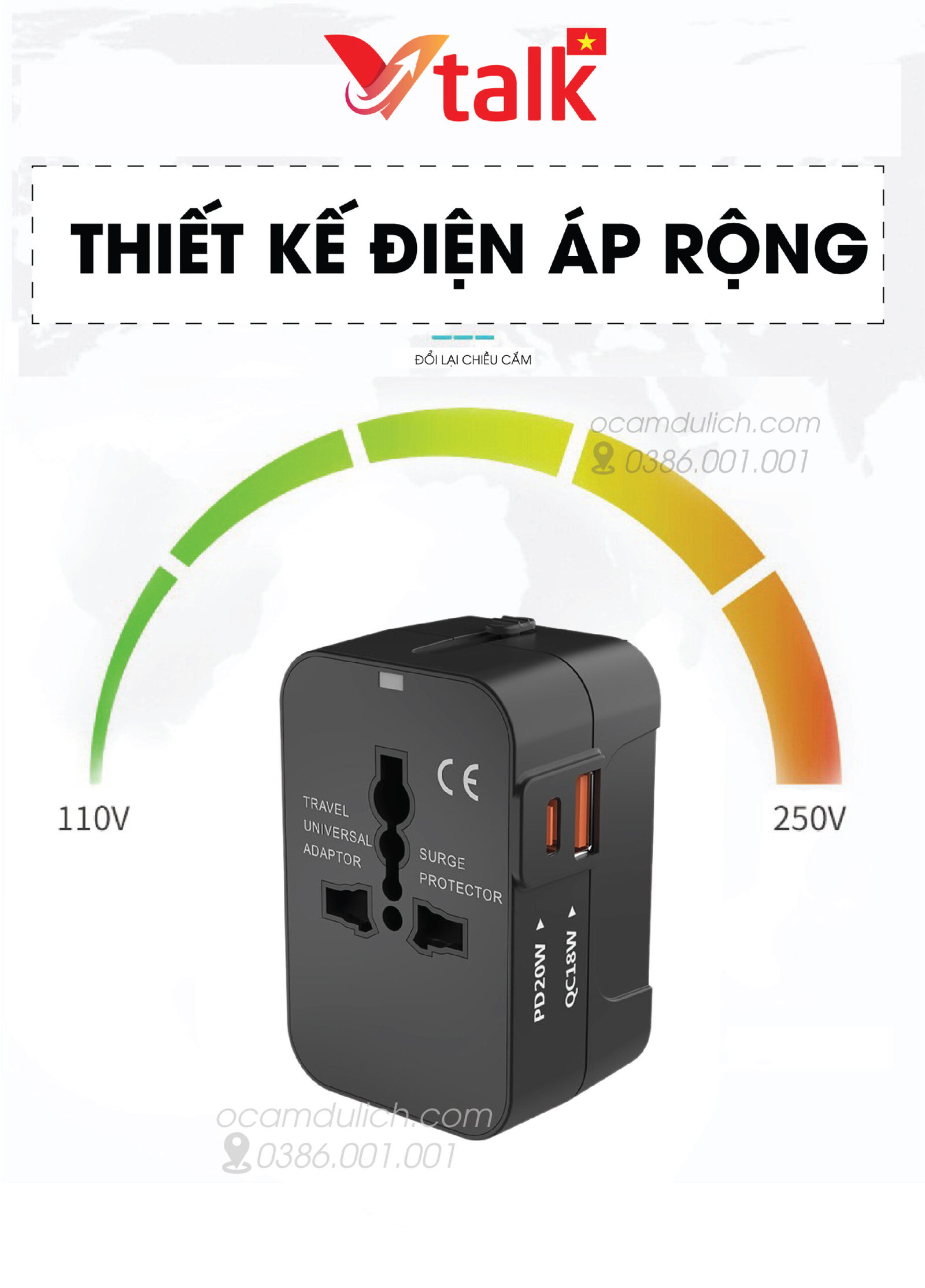 One of the important factors when using a travel adapter is checking the voltage level. Each country has different standard voltage levels (e.g., 110V in the USA and 220V in European and Asian countries). Ensure that your adapter supports the correct voltage of the country you are visiting to avoid damaging electronic devices.
Check the Protection Features
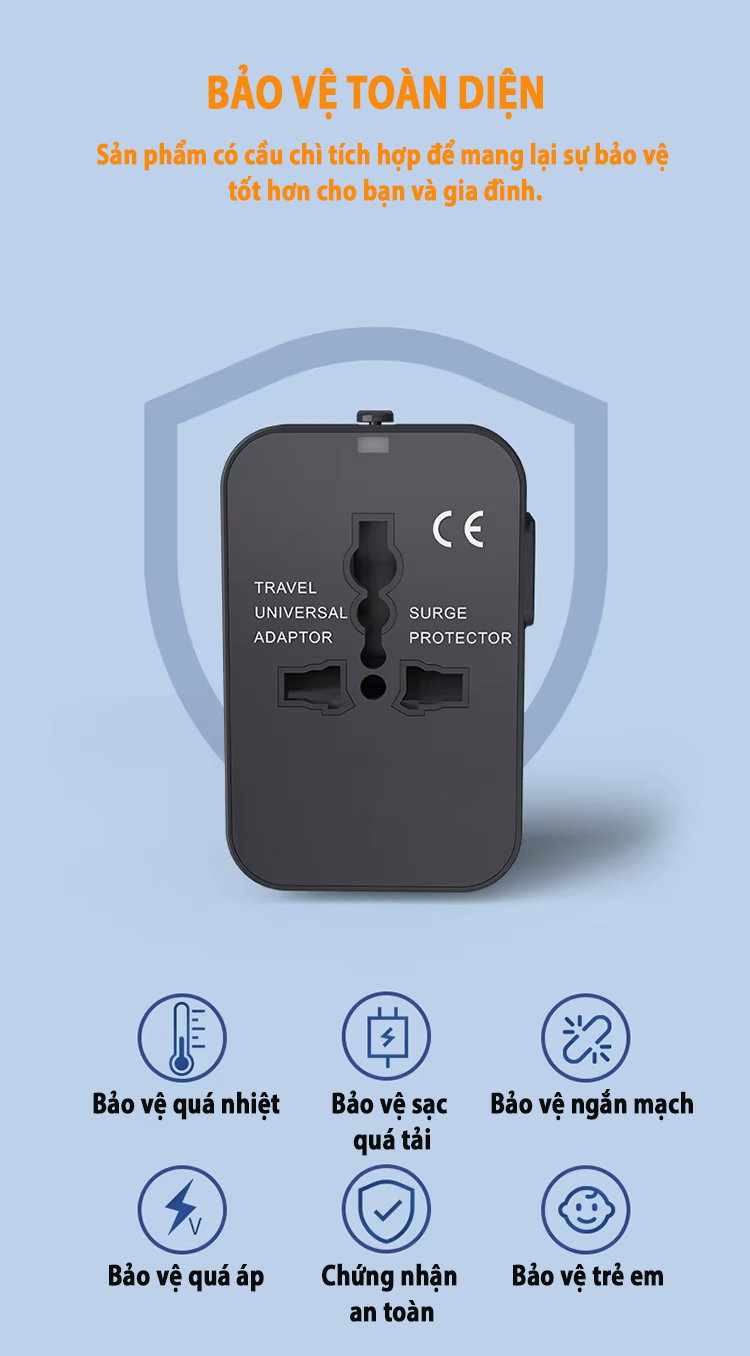
Before use, make sure your travel adapter has all the necessary safety protection features such as overload protection, short circuit protection, and child protection. These features help protect both the device and the user from unfortunate incidents.2. Notes When Using a Travel Adapter with High-Power Devices (Such as Hair Dryers)
When using a travel adapter to connect high-power devices like hair dryers, hair straighteners, or laptops, you need to pay attention to some important points to avoid overload, short circuits, or device damage.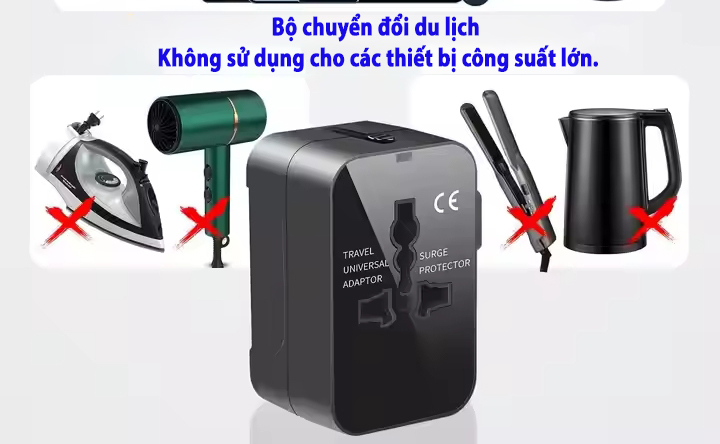
High-power devices that cannot use a travel adapter
Check the Device's Power
Before plugging a high-power device into the travel adapter, check the power (watt) specifications of that device. Hair dryers, curling irons, or high-power electronic devices often require a more powerful power source, and if the adapter does not support enough power, it can cause overload and short circuits.Use the Correct Port
Some travel adapters are designed with separate power ports for high-power devices. Ensure you use the appropriate port for hair dryers or similar devices. Using the correct port helps minimize overload and ensures the device is charged or operated efficiently.Do Not Plug Too Many Devices at Once
Be careful not to plug too many high-power devices into the travel adapter at once. Although the adapter may support multiple devices, if the total power of the devices exceeds the adapter's capacity, it can easily lead to overload, posing a danger to both the user and the devices.3. Guide to Optimizing Charging Signal and Avoiding Overload
Today's travel adapters not only help you connect to electricity but also support charging mobile devices via USB ports. To optimize charging efficiency and avoid overload, pay attention to the following points:Use Fast Charging USB Ports
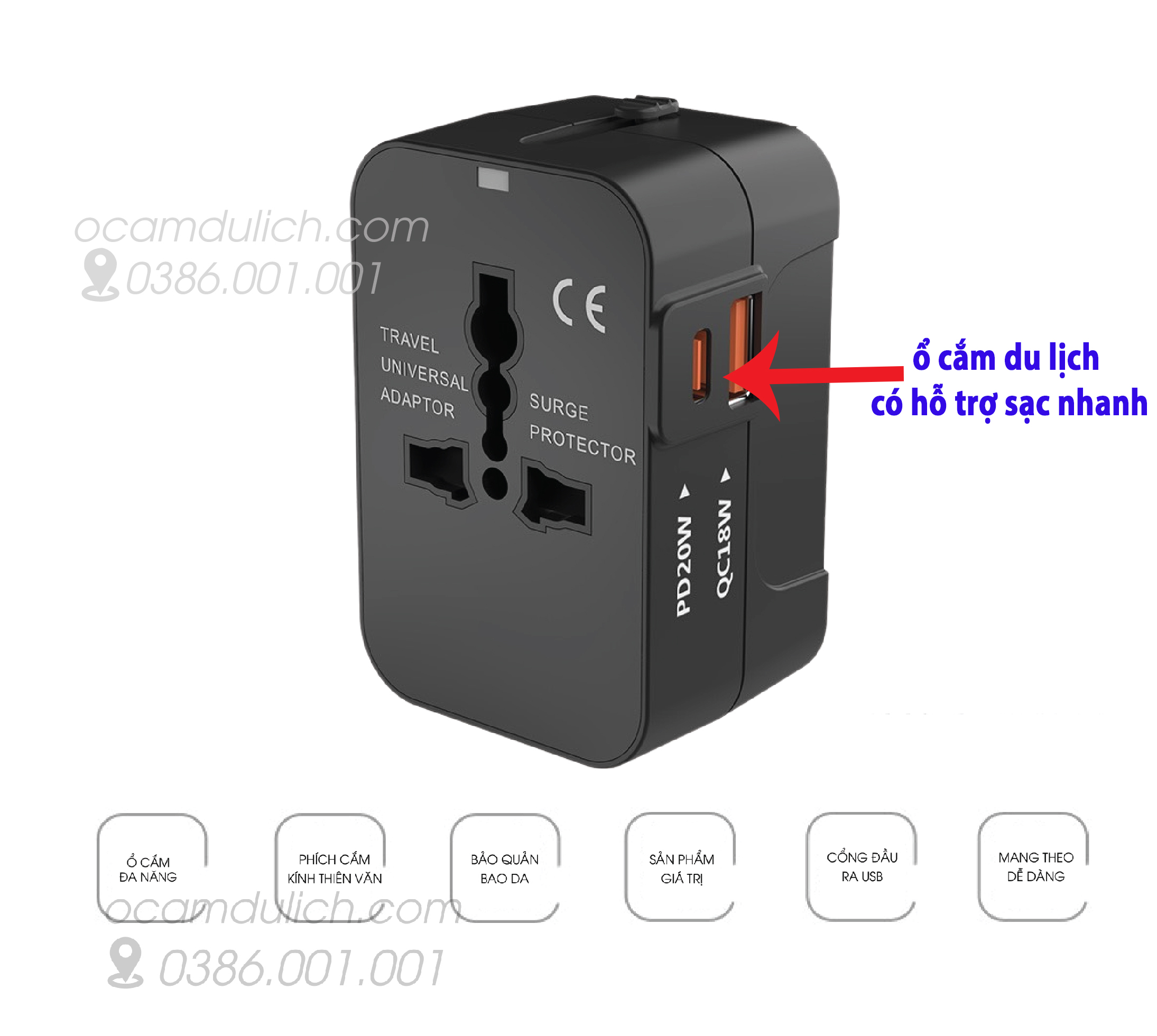
Travel adapters with fast charging support help devices charge faster.
If your adapter integrates fast charging features (Quick Charge or Power Delivery), make sure you are using the correct USB port that supports this feature to shorten charging time. Fast charging not only saves time but also ensures you have enough power for important devices throughout your trip.