




 English
  Tiếng Việt
 Is it okay to leave the charger plugged in continuously?
Still consumes electricity even when not charging
Chargers are designed to operate based on the principle of a transformer: converting high voltage to low voltage, changing current from alternating to direct to charge the phone.
The structure of a charger consists of 2 main parts: primary and secondary. The primary is connected to the input current, the secondary is connected to the output current, so whether the output circuit is closed or not (meaning whether it is charging or not), the input circuit is always closed if it is plugged in.
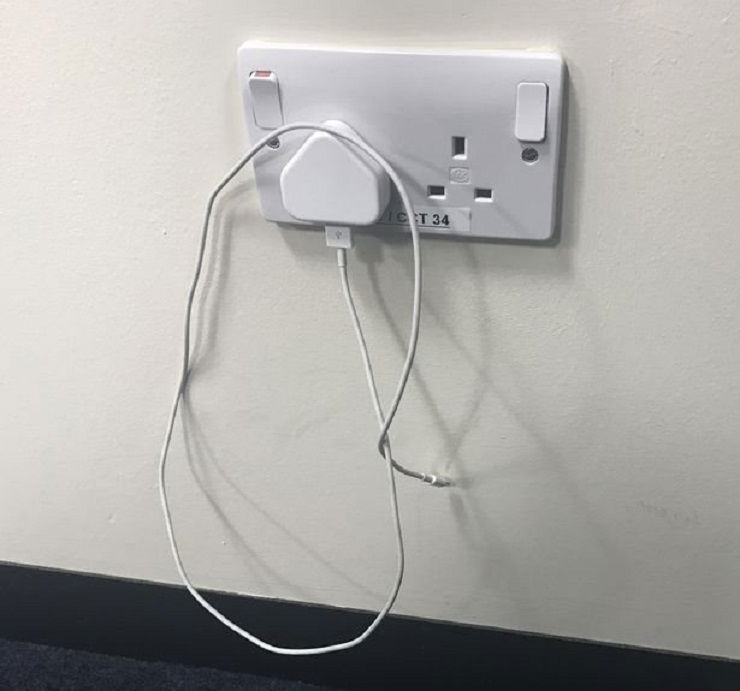
Does leaving the charger plugged in without charging consume electricity? According to the above principle, even if you are not charging your phone, it still consumes electricity, although the consumption is not as much as when you are charging your phone.
According to calculations, a basic family (multi-generational) will save nearly 900,000 VND/year if the charger is unplugged from the outlet when not in use.
Read more: Revealed: How to create cute charging effects for your smartphone
Easily leads to risks when continuously charging your phone
In reality, you might think that saving a little money is not as important as the convenience of plugging in the charger continuously and charging your phone whenever you need. However, plugging the charger into the electrical outlet continuously will cause the charger to age, becoming a hazard that can easily lead to explosion risks, as warned by experts.
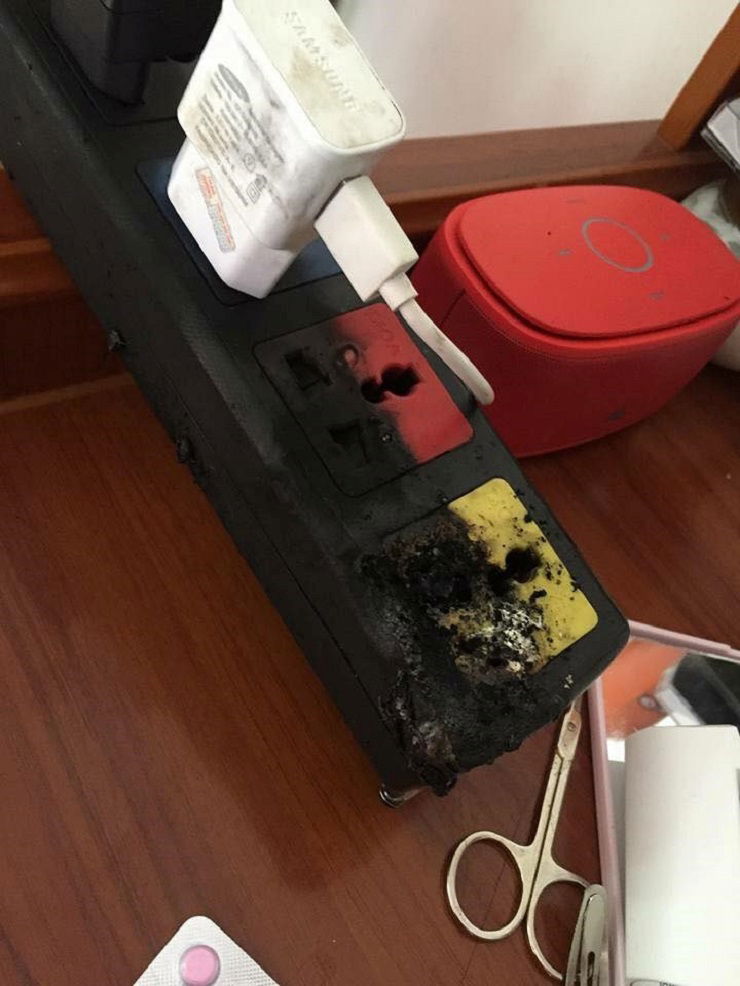
Especially for homes with young children, they might wet the charger head or put it in their mouths, which could lead to unfortunate accidents. At this point, remember the many tragic accidents that have occurred, mainly caused by phone chargers.
Protect the environment
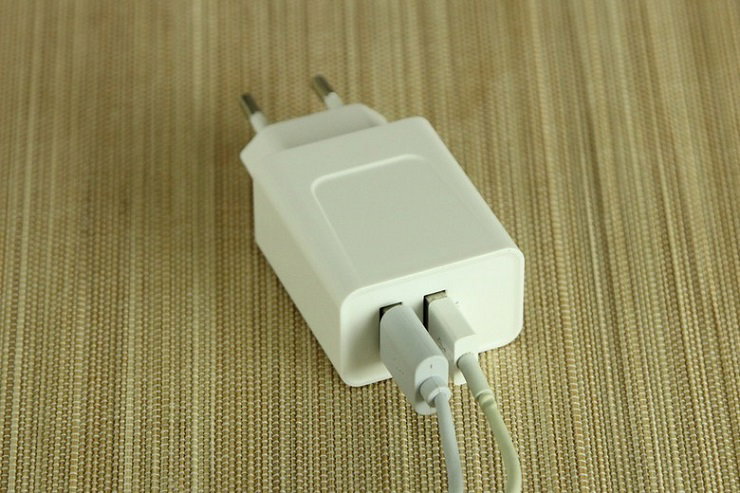
In addition to ensuring your own safety and benefits, consider the environmental impact of keeping the charger plugged in every day. Thousands of chargers are plugged in continuously each year, wasting millions of kWh annually. Each kWh is equivalent to a certain amount of CO2 released into the environment each year, directly affecting your surrounding living environment.
Therefore, the advice we want to give you is: Build the habit of unplugging the charger when not in use!
For greater ease and convenience, you can choose power outlets with switches to turn them off when not in use.
Read more: Some phone charging mistakes that can cause explosions that you might not know
How to charge your phone correctly
Do not charge your phone overnight
Charging your phone overnight can easily damage the battery, not to mention the risk of explosion while you sleep. So, give up the habit of charging your phone overnight.
Do not wait for the phone to shut down before charging
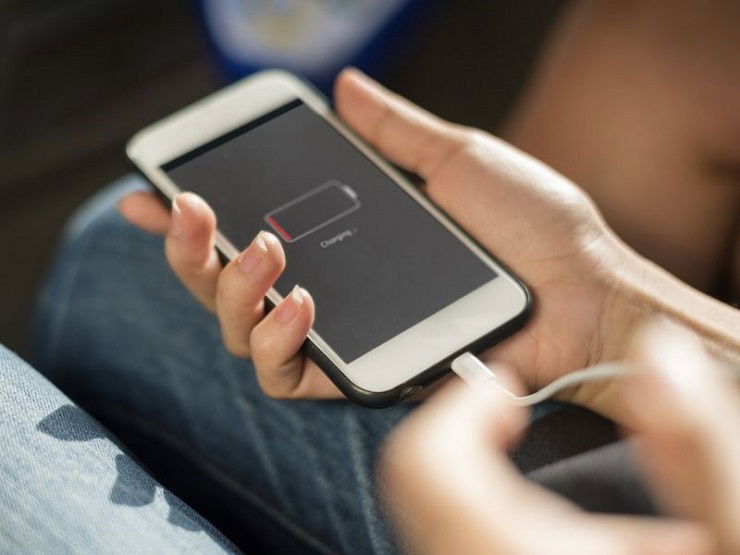
To maintain the durability and lifespan of the battery, try to avoid letting the phone shut down before charging. Try to charge the phone when it displays a charging notification.
Do not use your phone while charging
You have probably heard a lot of information about accidents and explosions caused by using your phone while charging, but advice is never too much. Do not let temporary convenience lead to unfortunate incidents.
Use an original charger
Don't be stingy about investing in a quality original charger, which ensures safety and provides efficient charging. So, equip your beloved phone with an original charger that is suitable for your phone.
Place your phone in a cool place while charging
Do not charge your phone in high-temperature areas or in direct sunlight. When charging, the phone will generate heat, so placing it in a high-temperature area will affect battery quality. Alternatively, you can remove the phone case while charging to help the device dissipate heat better.
Charge the battery multiple times a day
You can charge the battery whenever you have time, even if you only have a few minutes to charge, it's okay, this will not affect the quality of the battery.
Some battery saving tips
– Turn off Bluetooth, wifi, 3G, GPS when not in use, as they consume a lot of battery
– Set a reasonable screen brightness. Usually, you only need to set it to medium or lower, or use auto mode, the phone will automatically adjust the appropriate brightness.
– Set the screen to auto-lock after 30s – 1 minute.
– Turn off background applications when not in use, such as games, web, applications.
…