




 English
  Tiếng Việt
 1. What is fast charging mode? Why should this mode be limited?
Fast charging mode is a superior advantage suitable for people with busy jobs and the current fast-paced life. A phone fully charged in just 60 minutes or even less will save a lot of time for users. However, there are also not a few hidden risks for users and even the device.
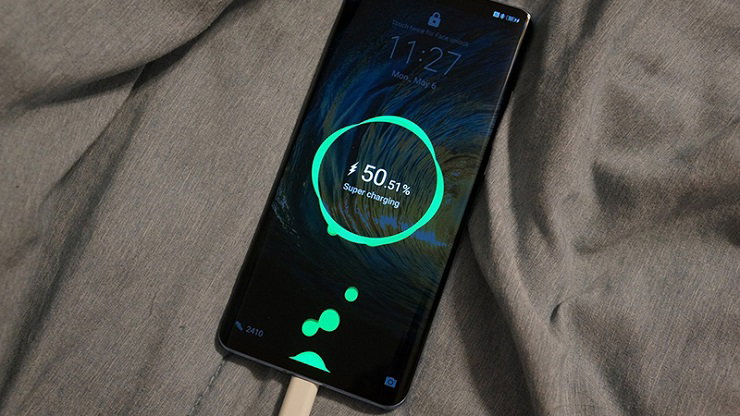
Why should this mode be limited?
When using fast charging mode, it means increasing the voltage or current for your phone. In reality, this feature helps users not waste too much time charging the battery, but frequent use will affect the battery's lifespan. The most specific is the situation of battery degradation quickly after only 18-24 months of use.
Another limitation is that fast charging will make the phone hotter than usual. If in an air-conditioned place, the temperature will be reduced, but in a very hot environment or using the phone while charging, it will affect the hardware or cause explosions, and more seriously, affect users' lives.
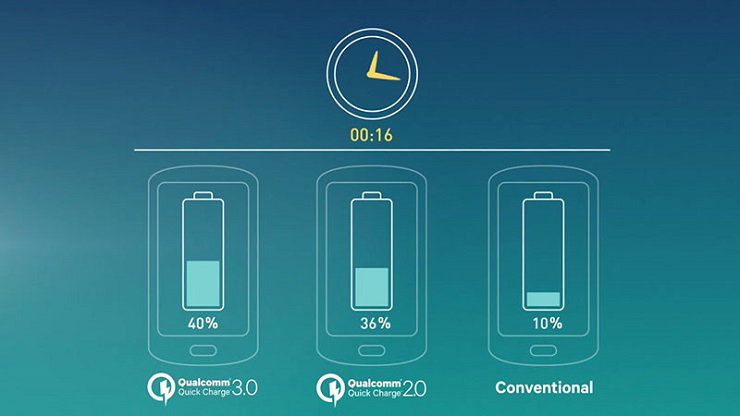
Charger manufacturers do not allow too much current to enter smart devices, especially phones and tablets, because they want to prevent the risk of damaging the battery, making the device unusable, or causing explosions. Therefore, it is recommended to limit the activation of fast charging mode on smartphones.
Not only that, if you often charge quickly at night, it means you will plug in the phone for 7-8 consecutive hours. The phone will reach 100% battery after a night, but it will reduce the lifespan of the device. Therefore, this feature should be minimized by turning off fast charging mode on the phone.
2. How to turn off fast charging on your phone:
The simplest way to turn off fast charging is to perform the action from the phone's settings, which has a toggle switch. An example for Samsung phones is as follows:
Go to Settings => select Device Care => select Battery => select the three dots on the right => select Advanced settings. At this point, users will see the wireless charging and fast charging toggle => then select off.
Use a regular charger: A regular charger will help you fix this problem, but make sure the charging cable is compatible.
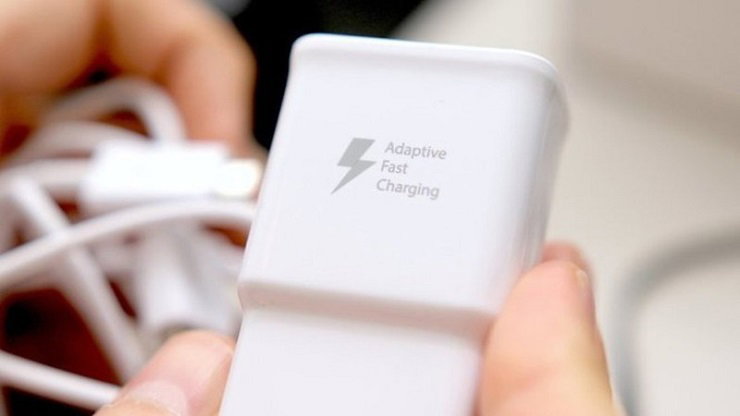
Distinguish between fast chargers and regular chargers: For fast chargers, you will see phrases printed such as "Quick Charge", "Fast Charge", "Dash Charge" or "Adaptive Fast Charging". Regular chargers will not have these phrases.
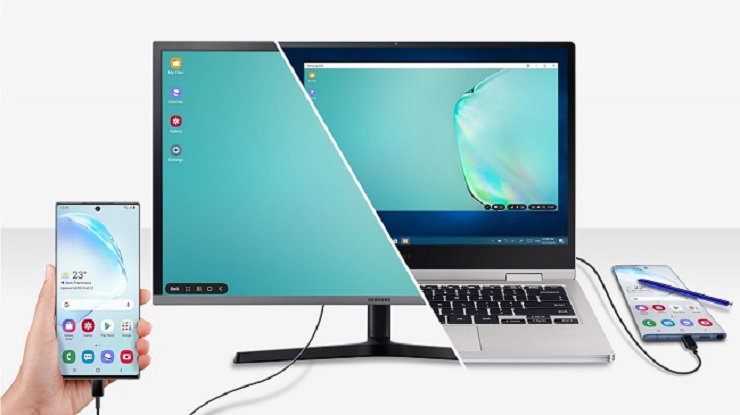
Use a computer instead of plugging directly into the power source: This method is suitable for office workers or those who use computers, laptops, Xbox, or PlayStation. Simply plug the charging cable into the USB port to connect the smartphone to the power source – the output port of these devices does not have high power.
Fast charging mode is currently widely used, especially by people with busy jobs or who travel frequently, and the phone is an indispensable work tool. However, this feature can affect users as well as cause damage to the device if used in the long run. The solution for users is to equip themselves with a power bank or a phone with a very high battery capacity to serve their work.